
How NFC Business Cards Works
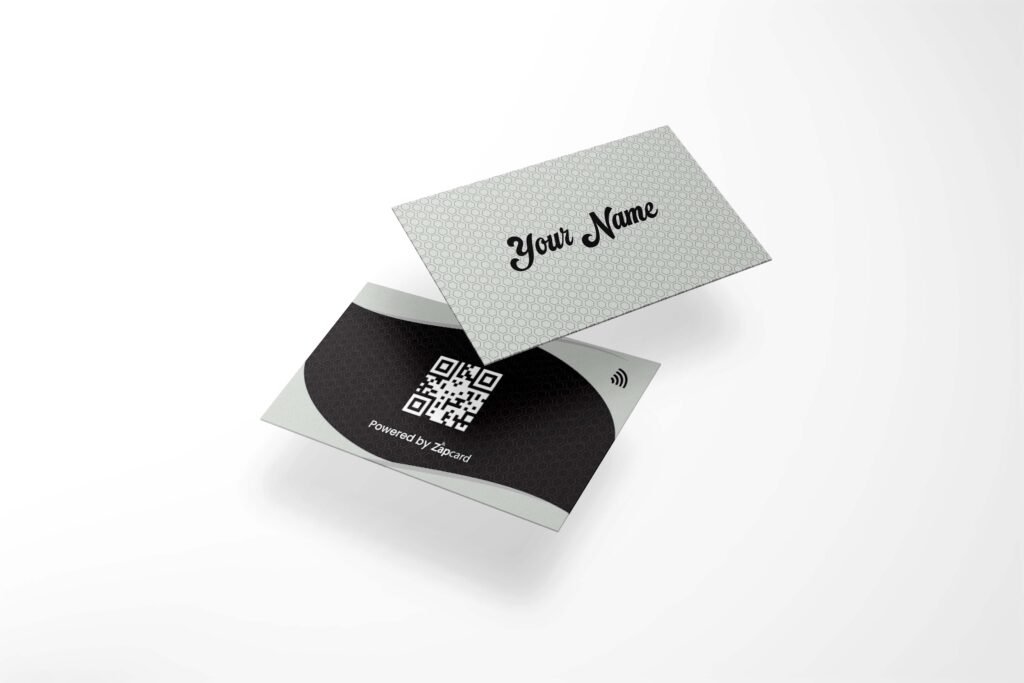
Order Your Card
Choose Design
Browse through our range of Zapcard styles and select the one that suits your brand or personality.
Make Payment
Complete your order by securely paying online. Your card will be shipped shortly after confirmation.

Activation Code
Code Delivery
After dispatch, you’ll receive a unique activation code via SMS or email linked to your purchase.
Keep It Safe
This code is required to activate your Zapcard — don’t share it with anyone.
Activation Code
Code Delivery
After dispatch, you’ll receive a unique activation code via SMS or email linked to your purchase.
Keep It Safe
This code is required to activate your Zapcard — don’t share it with anyone.

Enter Your Details
Enter Code
Go to the activation page and enter your unique code to begin the profile setup.
Fill Information
Add your name, contact details, social media links, and any custom info you want to share.

Submit
Review Info
Quickly check all your entered details and make changes if needed.
Finalize Setup
Click the submit button to complete your Zapcard profile activation.
Submit
Review Info
Quickly check all your entered details and make changes if needed.
Finalize Setup
Click the submit button to complete your Zapcard profile activation.
NFC Business Cards Work Process
NFC business cards use smart wireless technology to instantly share your contact details, business information, social media profiles, and website links with just a tap or QR scan. Zapcard makes networking faster, smarter, and completely paperless for modern professionals and businesses. With a simple tap on an NFC-enabled smartphone, your digital profile opens instantly without requiring any mobile application. This smart card sharing process helps businesses create better connections and improve customer engagement.NFC Card Setup
Setting up your Zapcard NFC business card is quick and simple. After receiving your card, you can customize your digital profile by adding:- Name and designation
- Phone number
- Email address
- Website links
- Social media profiles
- WhatsApp chat link
- Portfolio or product links
- Google review links
- Business location
Smart Card Sharing Process
The smart card sharing process is designed to make networking seamless and professional.Tap To Share
Simply tap your Zapcard on any NFC-enabled smartphone to instantly open your digital business profile.QR Code Sharing
Users can also scan the QR code printed on the card to access your information instantly.Instant Connection
Customers can save your contact details, visit your website, connect on social media, or contact you directly within seconds.Why Businesses Prefer NFC Digital Business Cards
Traditional paper business cards can get lost or outdated quickly. Zapcard NFC business cards provide a modern digital networking solution that is reusable, eco-friendly, and easy to update anytime.Key Benefits
- Instant contact sharing
- Easy profile updates
- Modern professional appearance
- Contactless networking solution
- Unlimited sharing capability
- Better lead generation
- Eco-friendly business solution
- Faster customer engagement